Start from a familiar creative cue
Templates, references, and palettes give designers a useful first move without limiting their style.
 Dimas Aditama Fikri
All projects
Dimas Aditama Fikri
All projects
BloomVision / Product Design
Overview
Floral designers begin with a feeling, a reference, or a client brief—but turning that direction into a balanced, practical bouquet can take several rounds of trial and error.
BloomVision makes that early creative work more tangible, giving designers a guided place to create, refine, and communicate a bouquet concept before they start arranging.
The problem
Designers had inspiration everywhere, but no simple workflow for shaping it into a bouquet plan.
References, palettes, and flower choices lived across disconnected tools and conversations.
Changing one flower meant rethinking the whole composition, often without a clear visual preview.
Exploration
The early experience had to feel open enough for exploration, while still giving each designer a clear path from brief to a complete bouquet direction.
Design principles
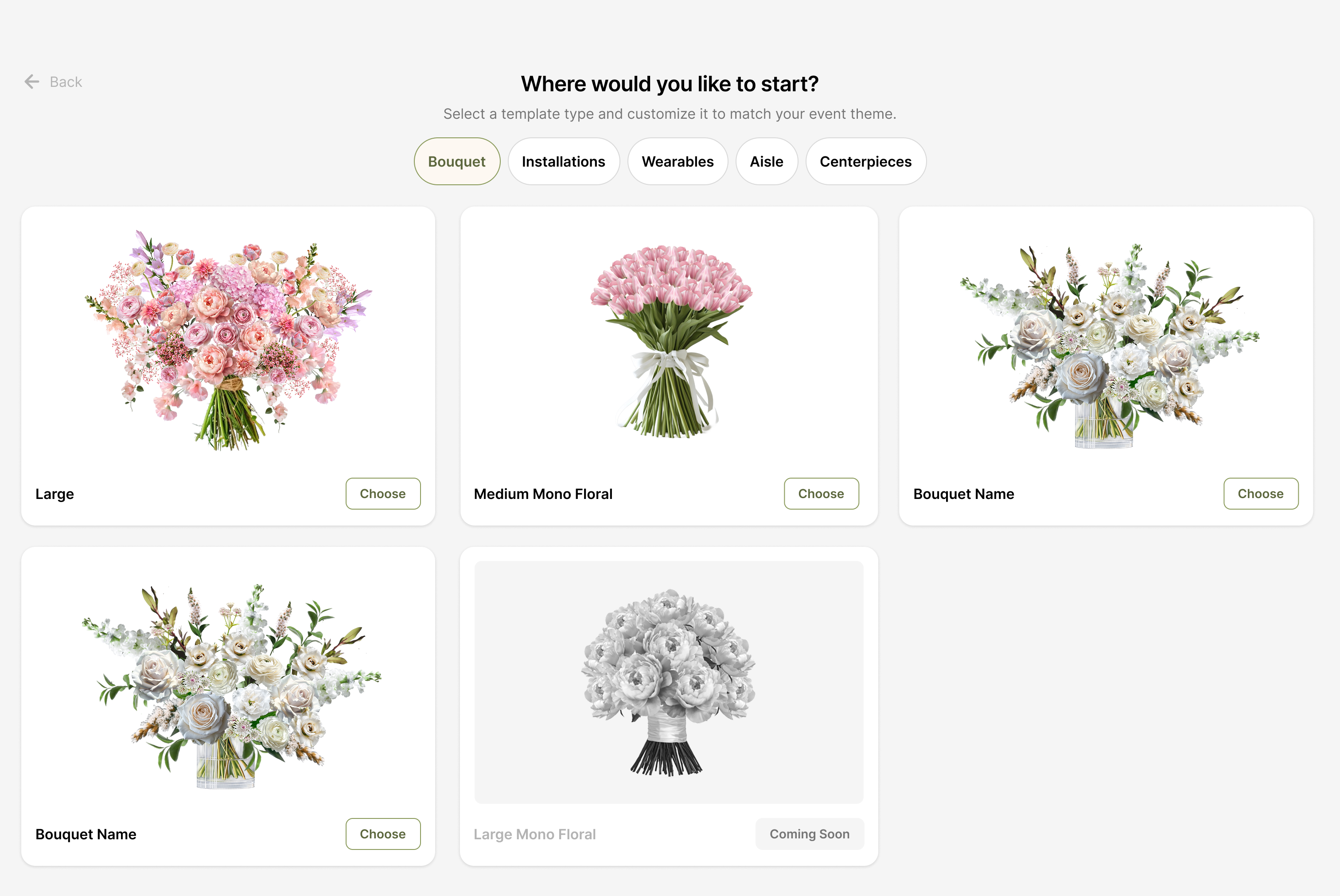
Templates, references, and palettes give designers a useful first move without limiting their style.
Let each choice stay connected to the bouquet so designers can judge balance as they work.
Support quick flower swaps and refinements without forcing designers to begin again.
01 / Guided onboarding
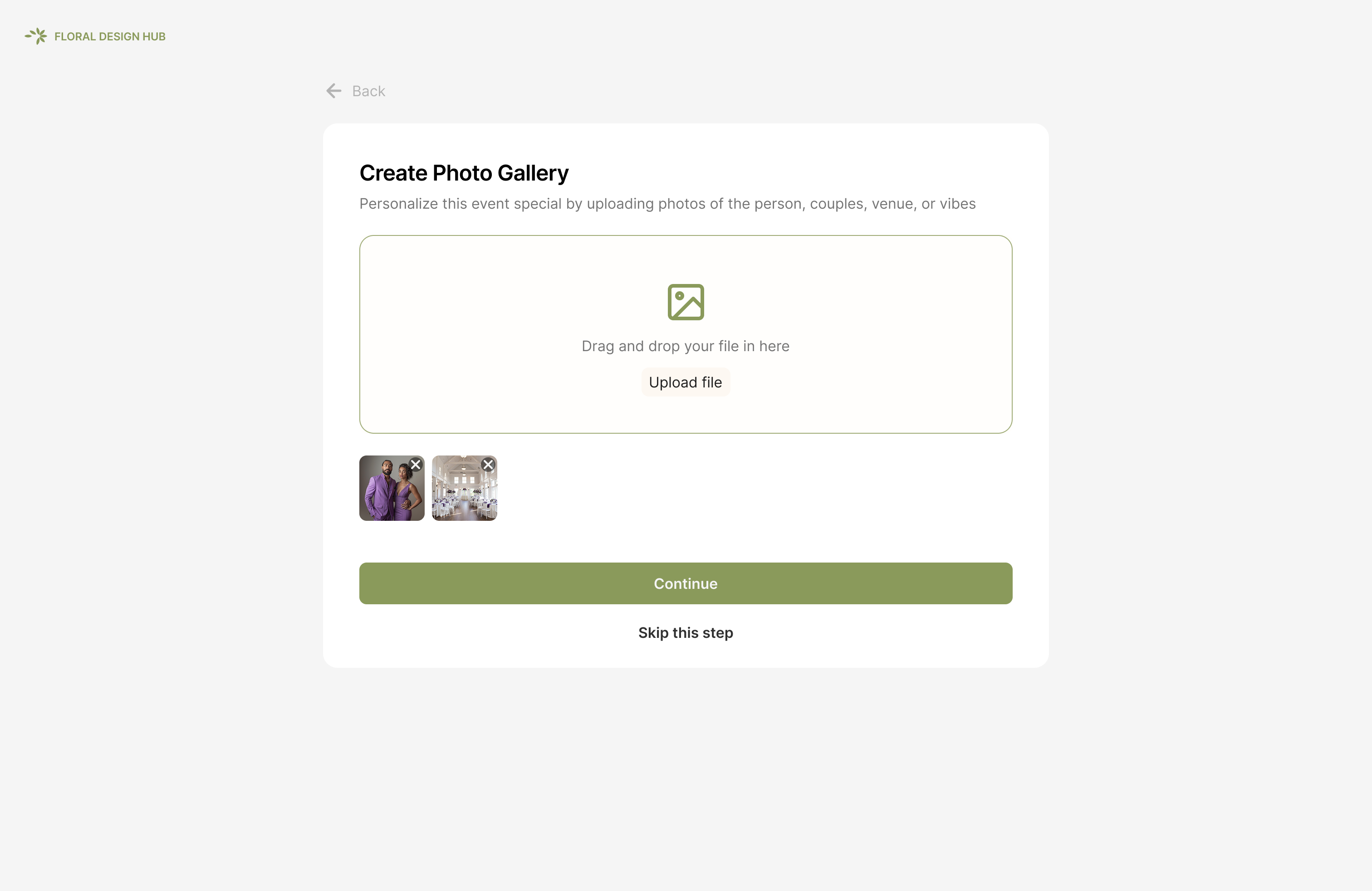
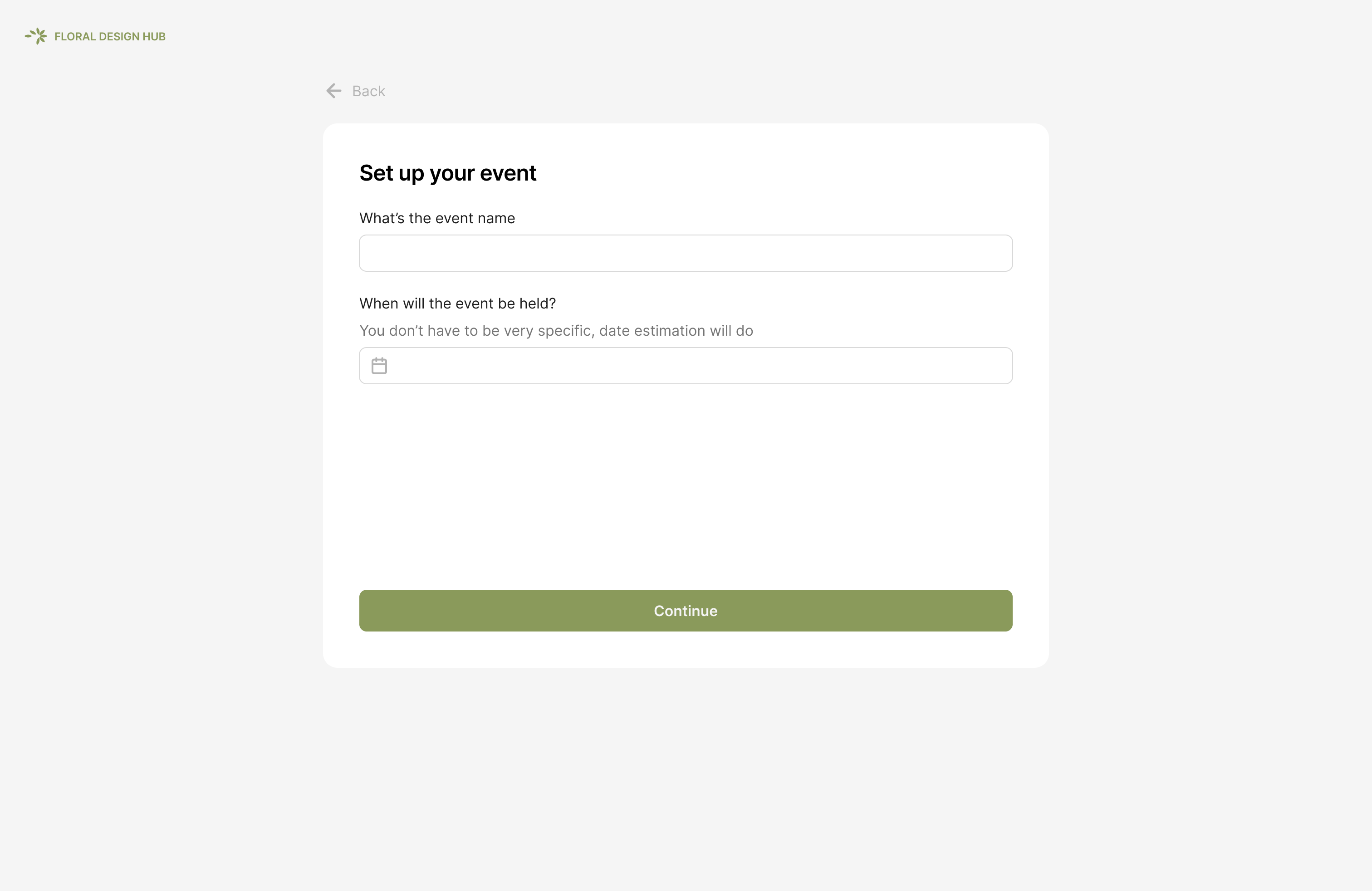
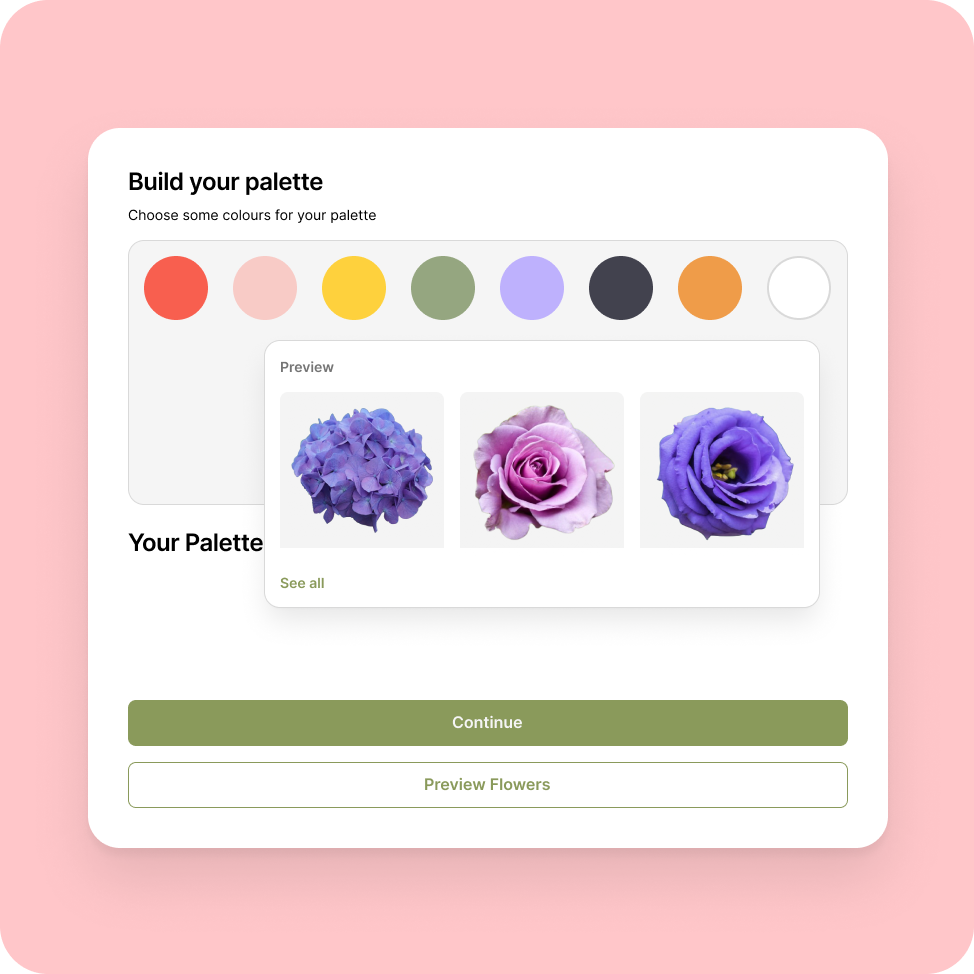
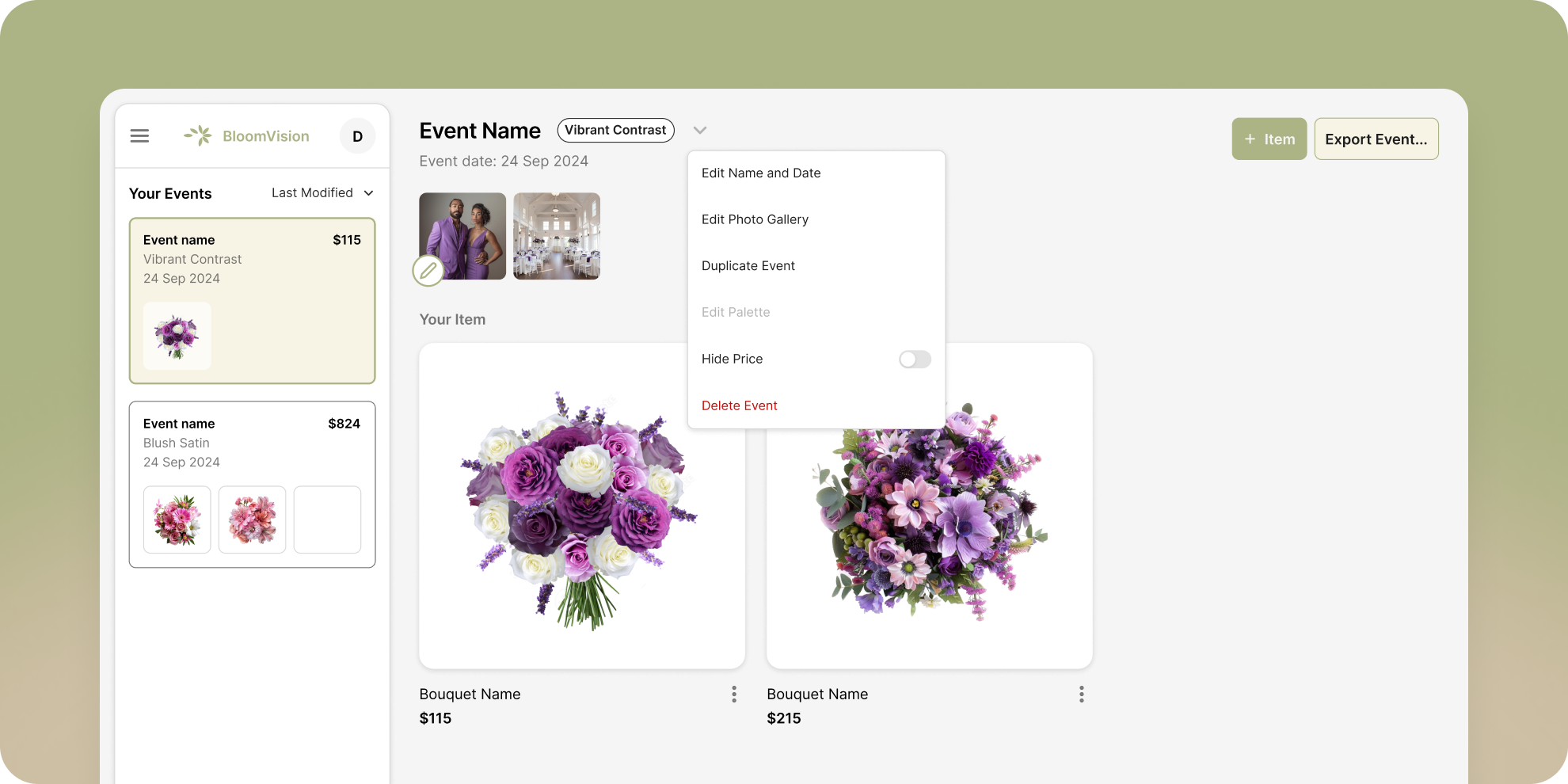
BloomVision guides designers through the essential inputs for a new project, so an idea becomes a workable starting point in just a few steps.
02 / Build with context
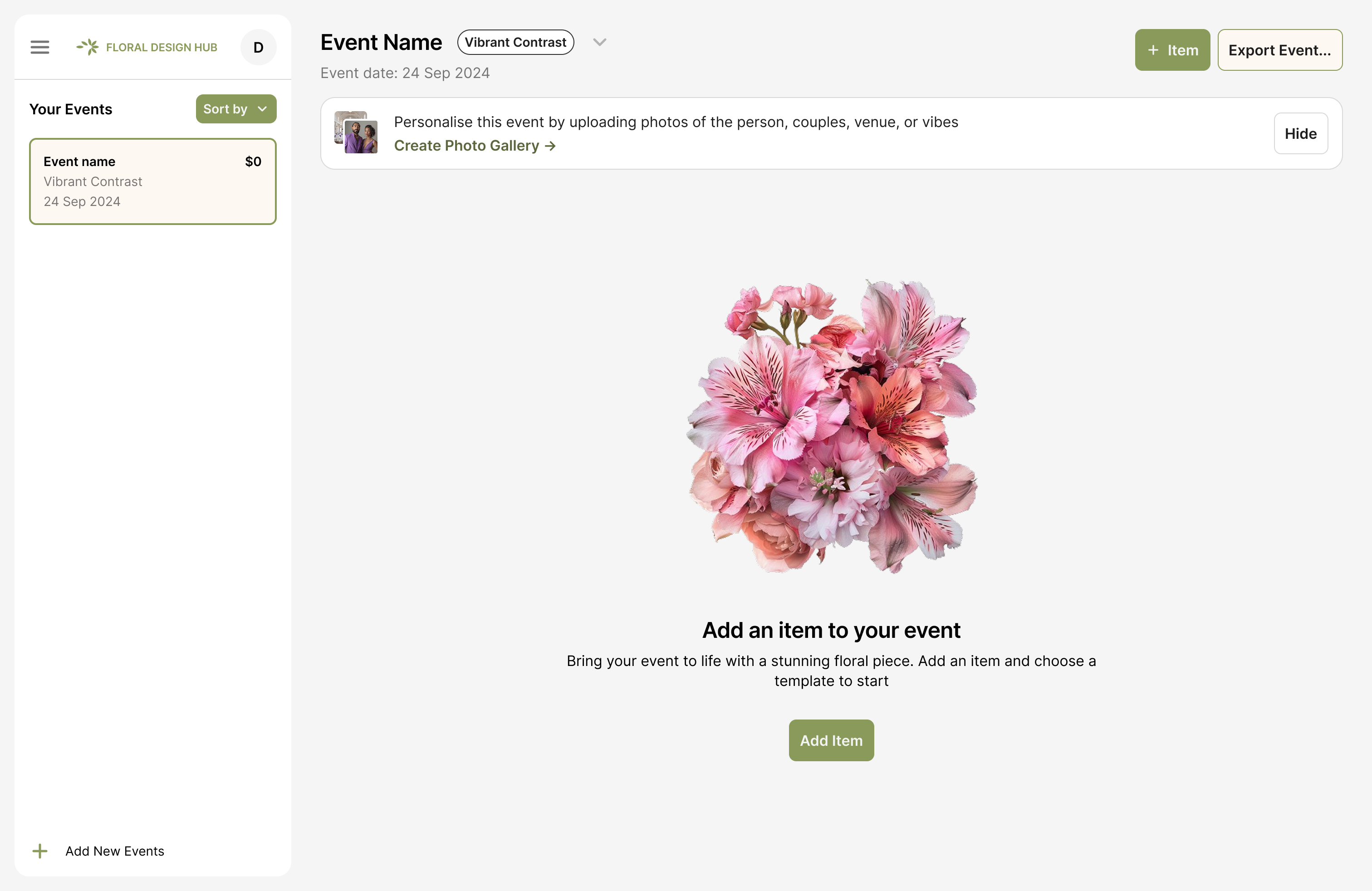
Clear empty states make the next action obvious when a project has no references yet.
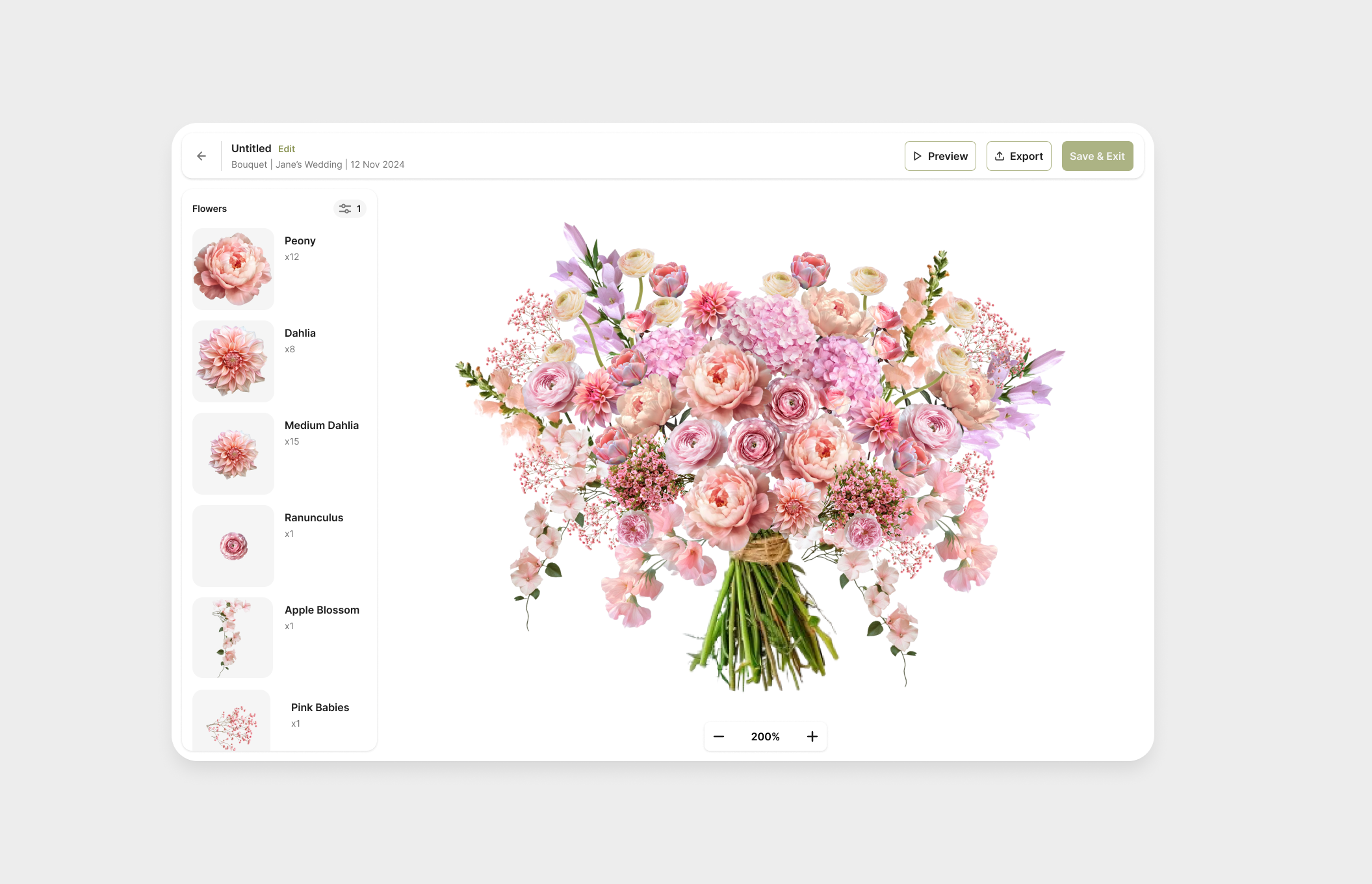
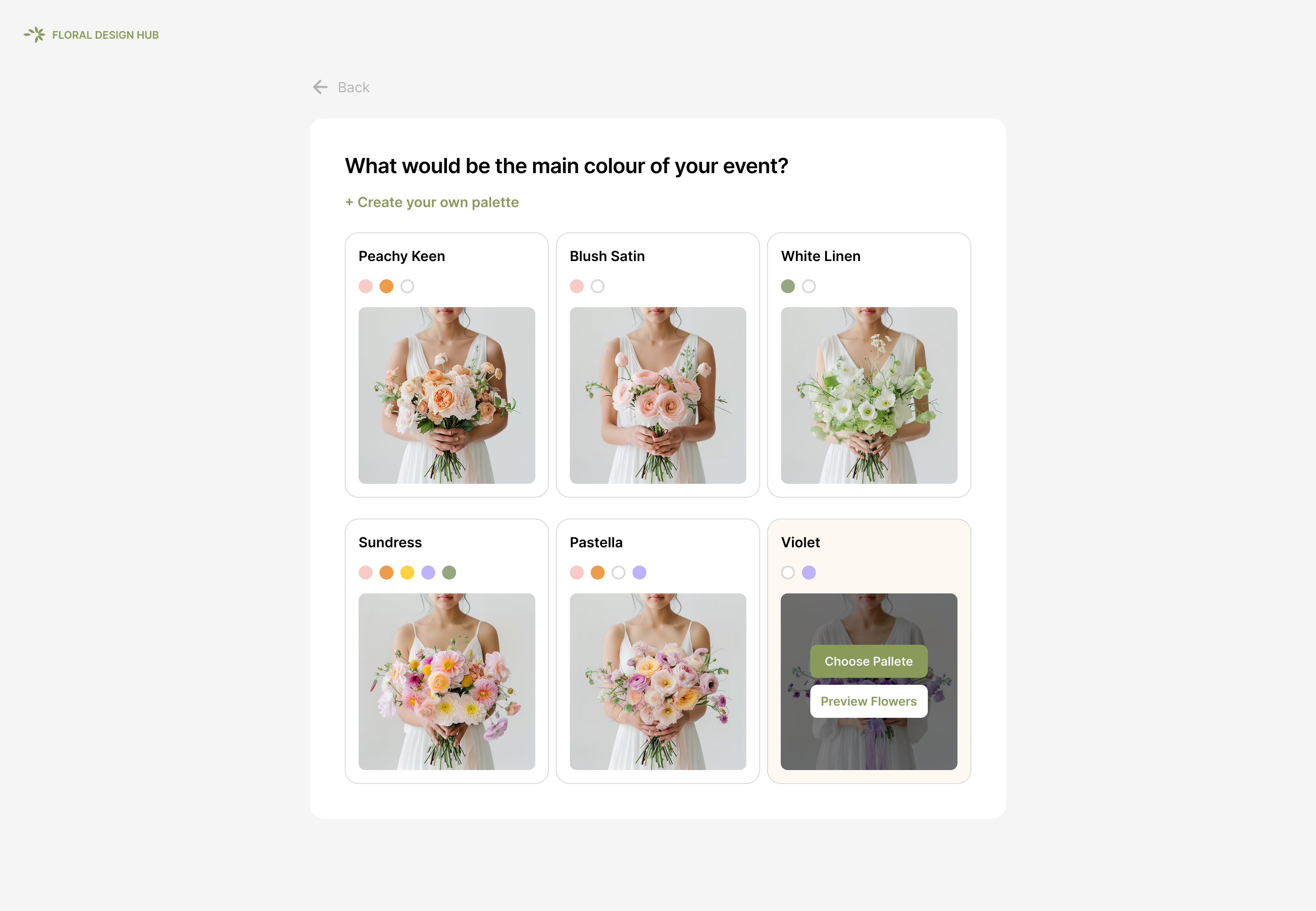
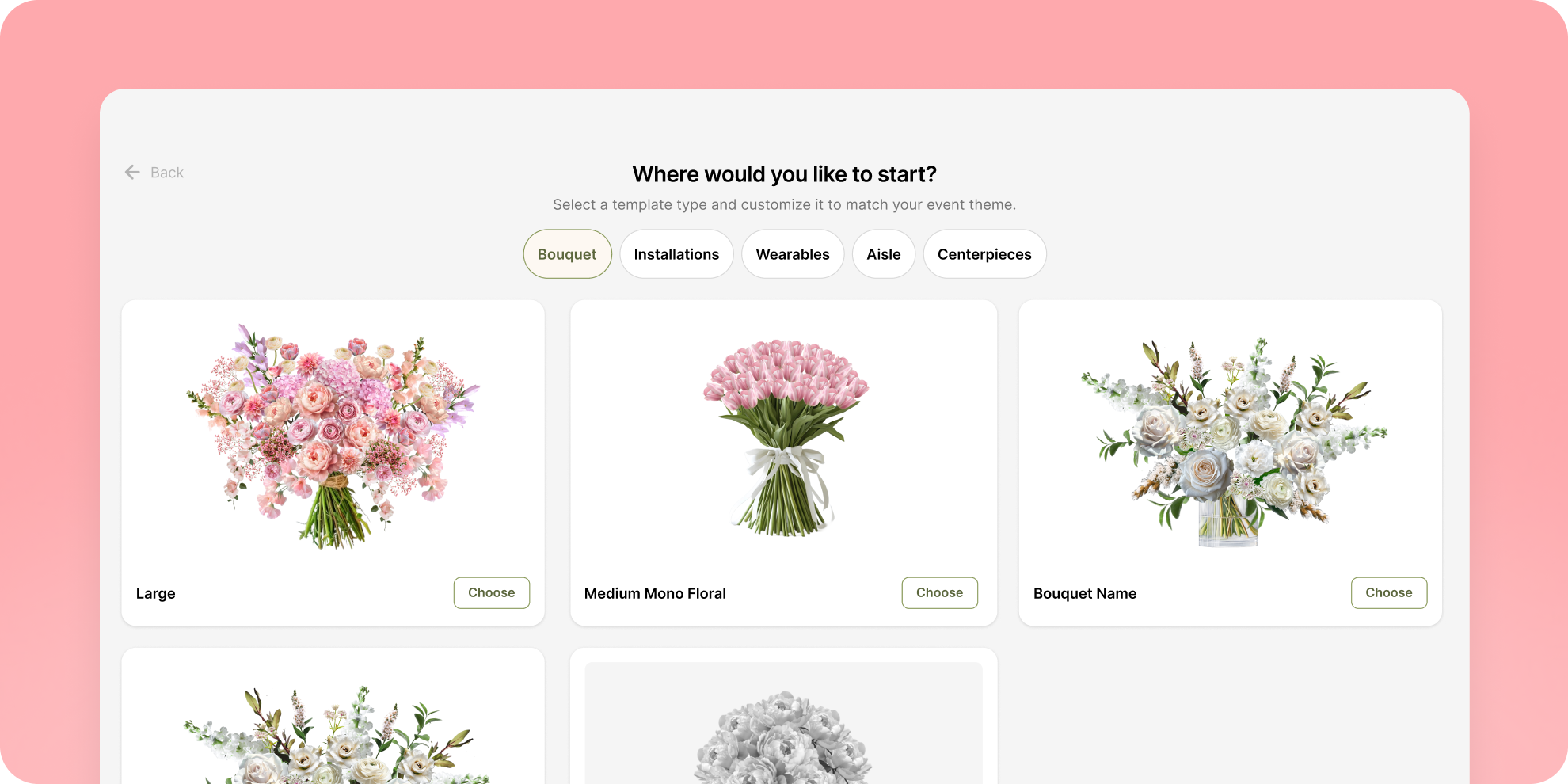
A template gives the bouquet a considered foundation while leaving room for personal expression.
Reference images keep the brief present throughout the creative process.
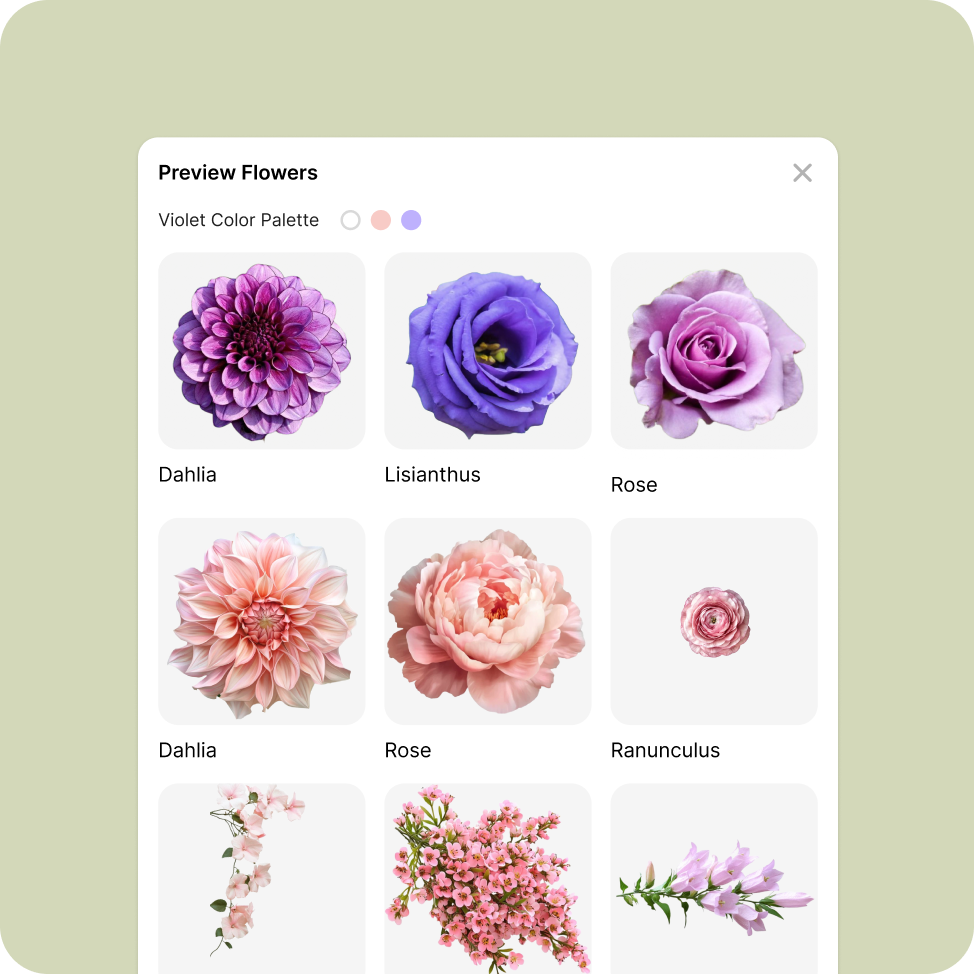
Palette selection turns a broad feeling into a practical visual constraint.
03 / Refine the bouquet
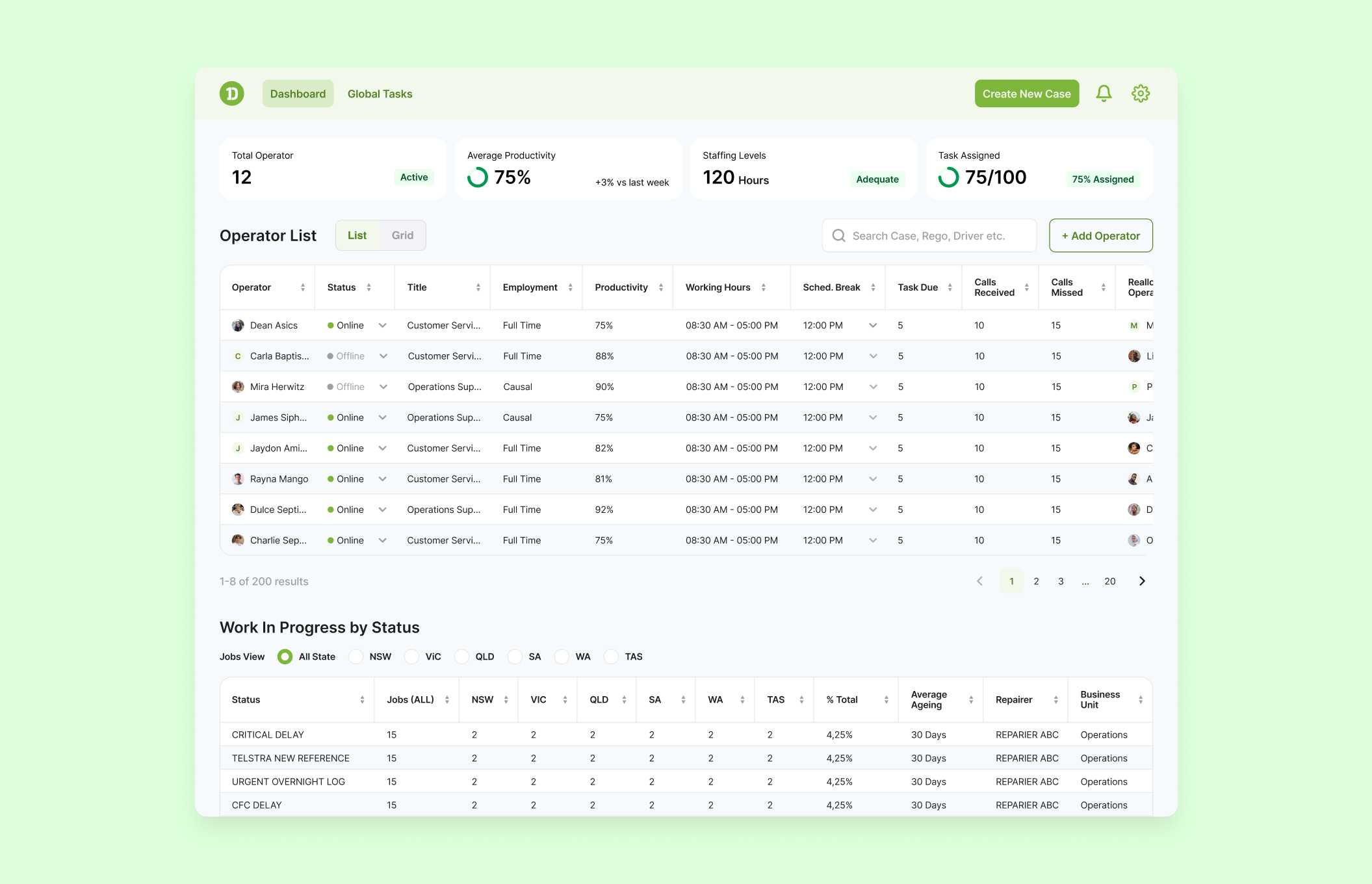
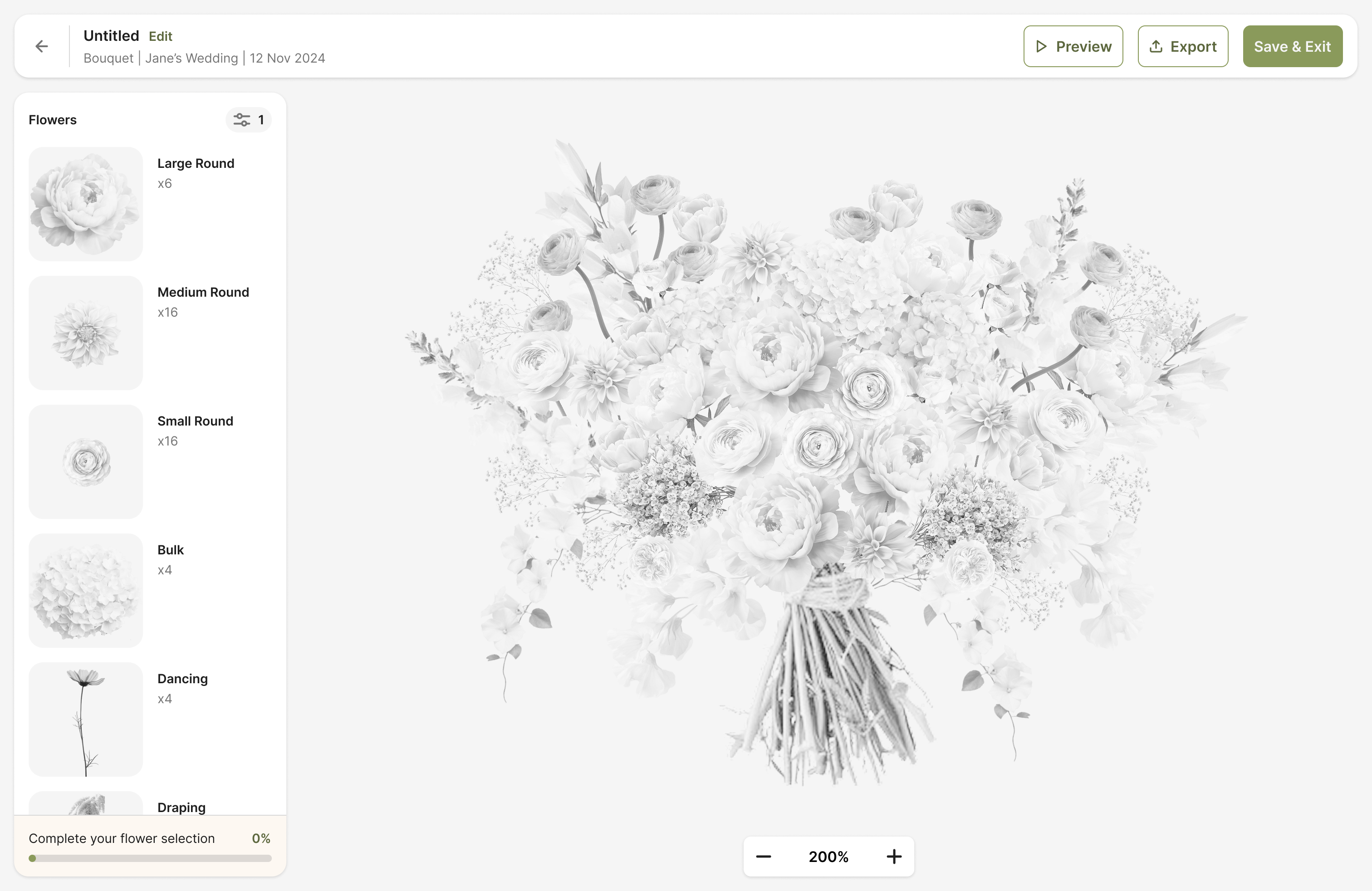
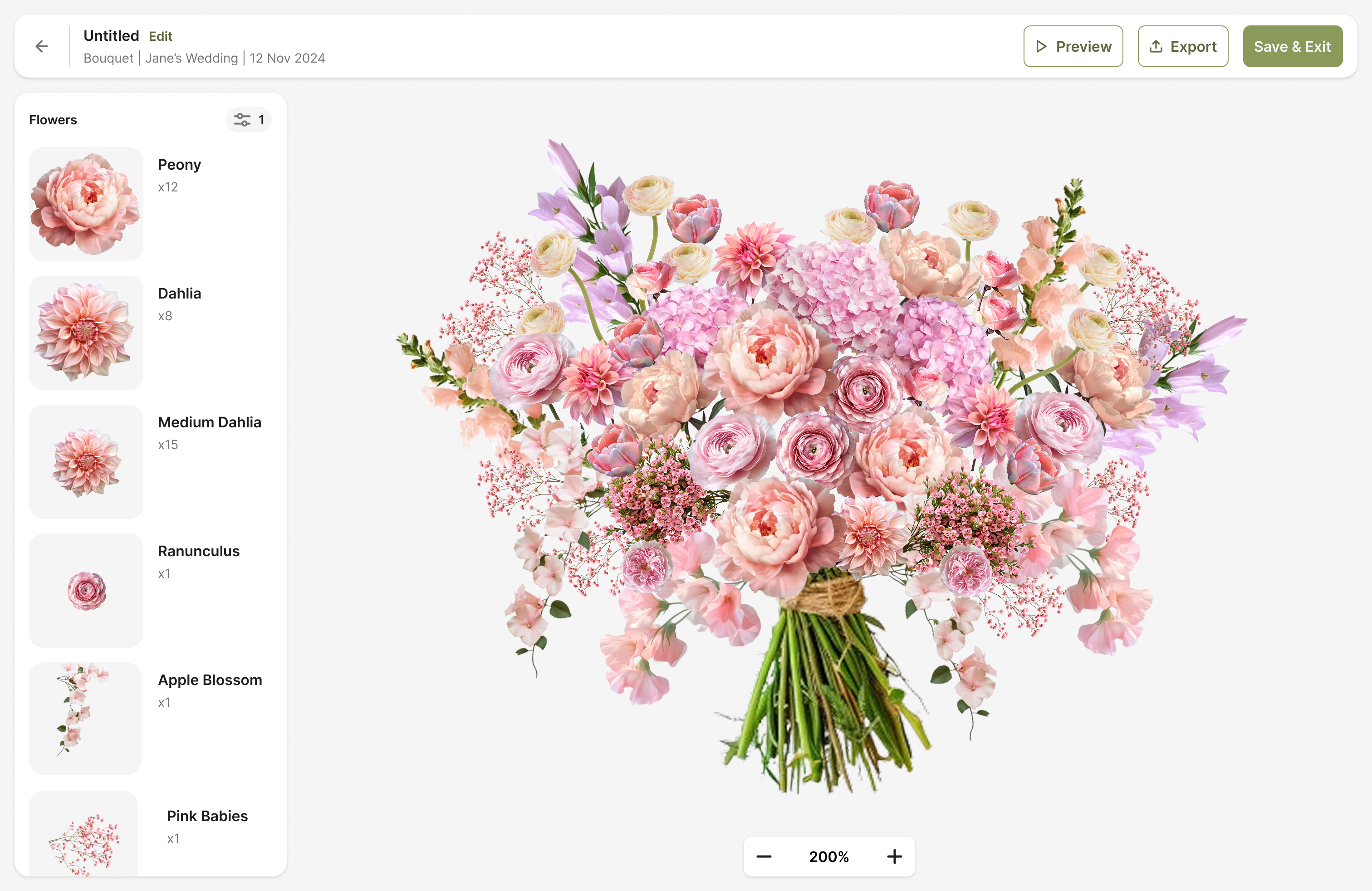
Designers can compare the current composition, choose the flowers they want to revisit, and see an updated result before committing to the next iteration.
Outcome
BloomVision brings the brief, creative direction, and bouquet design into one focused workflow—giving floral designers more confidence in their first concept and more freedom to refine it with intention.
Reflection
Creative tools work best when they preserve the designer’s point of view while making the next decision easier.
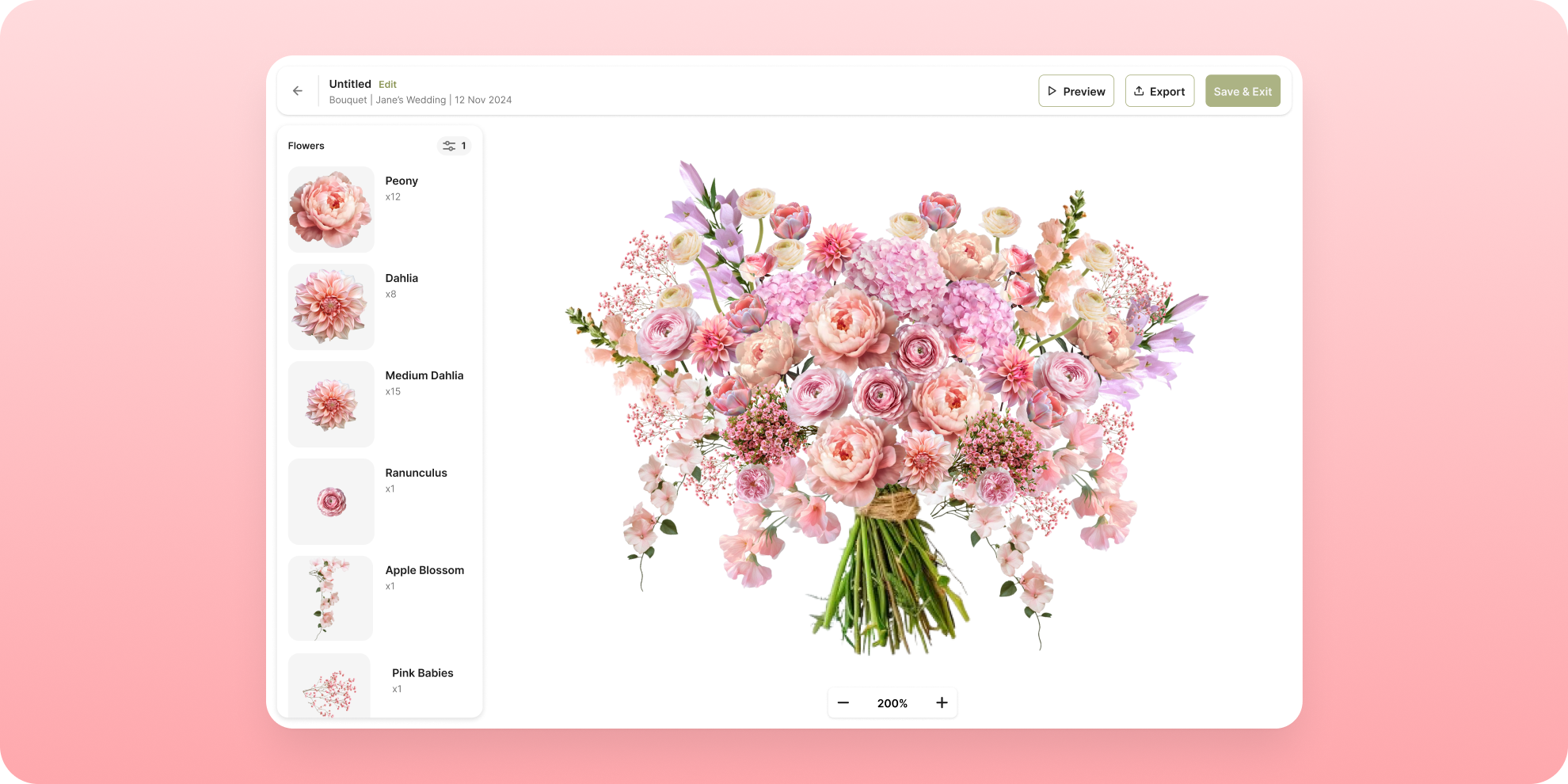
BloomVision is a 0→1 platform for floral designers to plan arrangements digitally before building them in the real world.
As the solo designer, I worked end-to-end across the product experience, from early requirements and interaction logic to the design system and final UI.
The main challenge was translating something highly physical and nuanced—floral composition—into a digital system that could still produce realistic, buildable arrangements.
UI/UX Design
Design System
500+ floral designers joined the product waitlist.
The product was always envisioned as a template-based builder. For the MVP, we deliberately used predefined templates because a fully freeform editor would have introduced significantly more technical complexity.
Templates gave designers a useful starting point while allowing the product to control the underlying composition rules needed to keep arrangements realistic. The trade-off was flexibility: designers could customize the arrangement, but not completely reshape its structure.
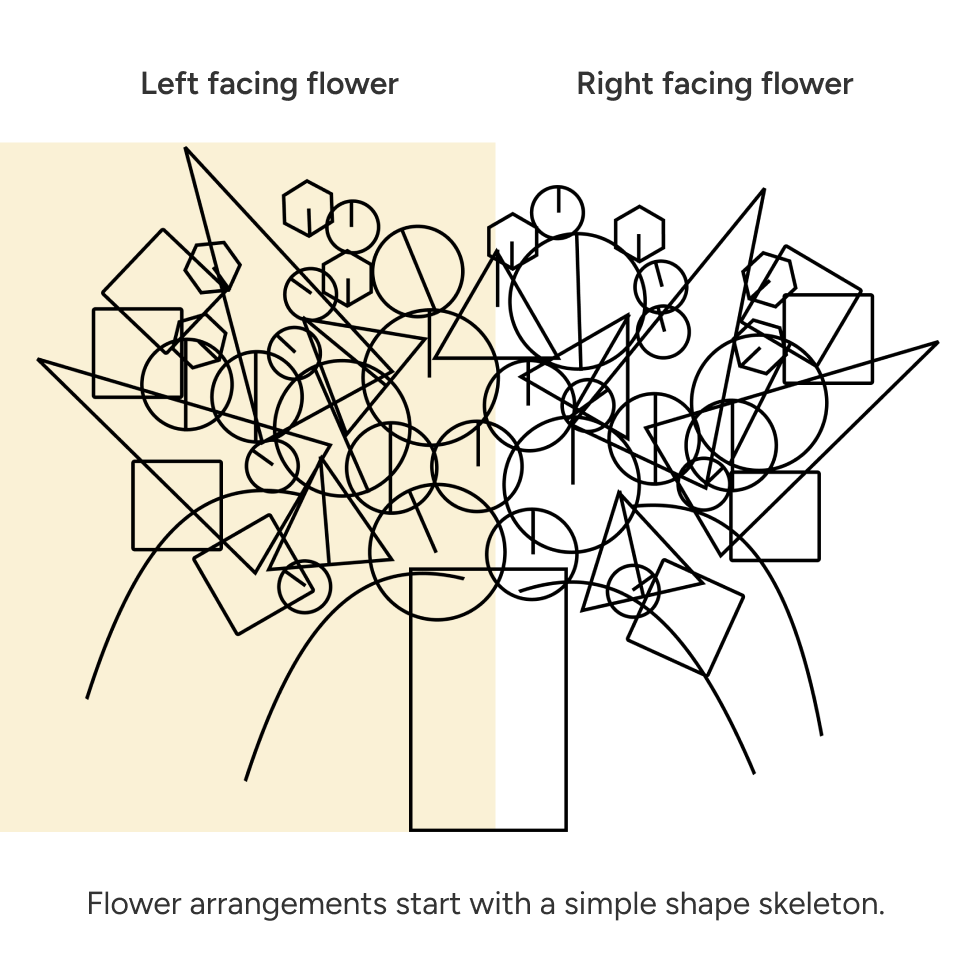
A floral arrangement may look organic, but its composition still follows an underlying structure.
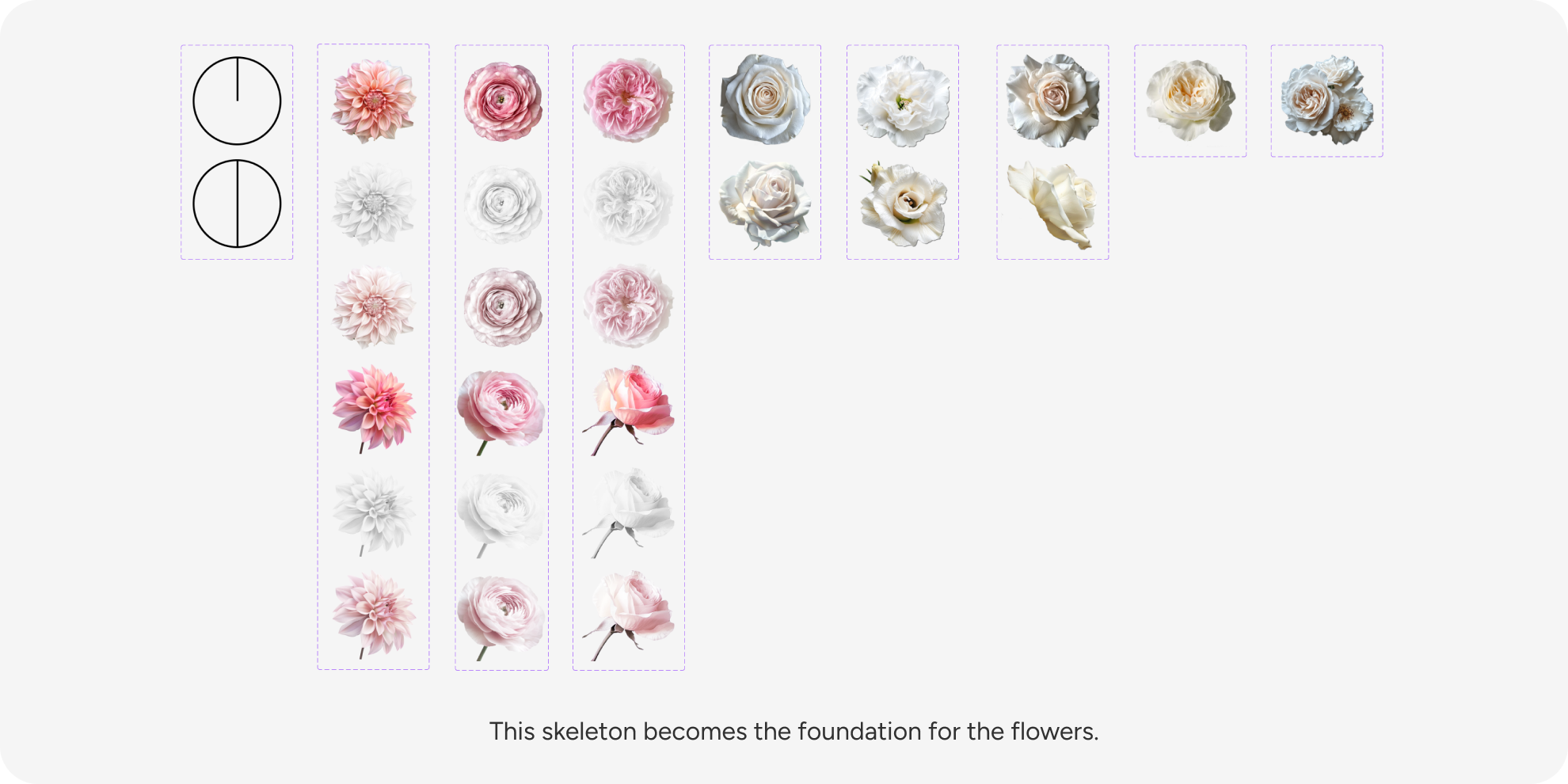
I translated each template into a skeleton made of flower slots. Each slot defines the type of flower that can occupy that position, including its size category, orientation, and role in the composition. This became the foundation of the editing system.
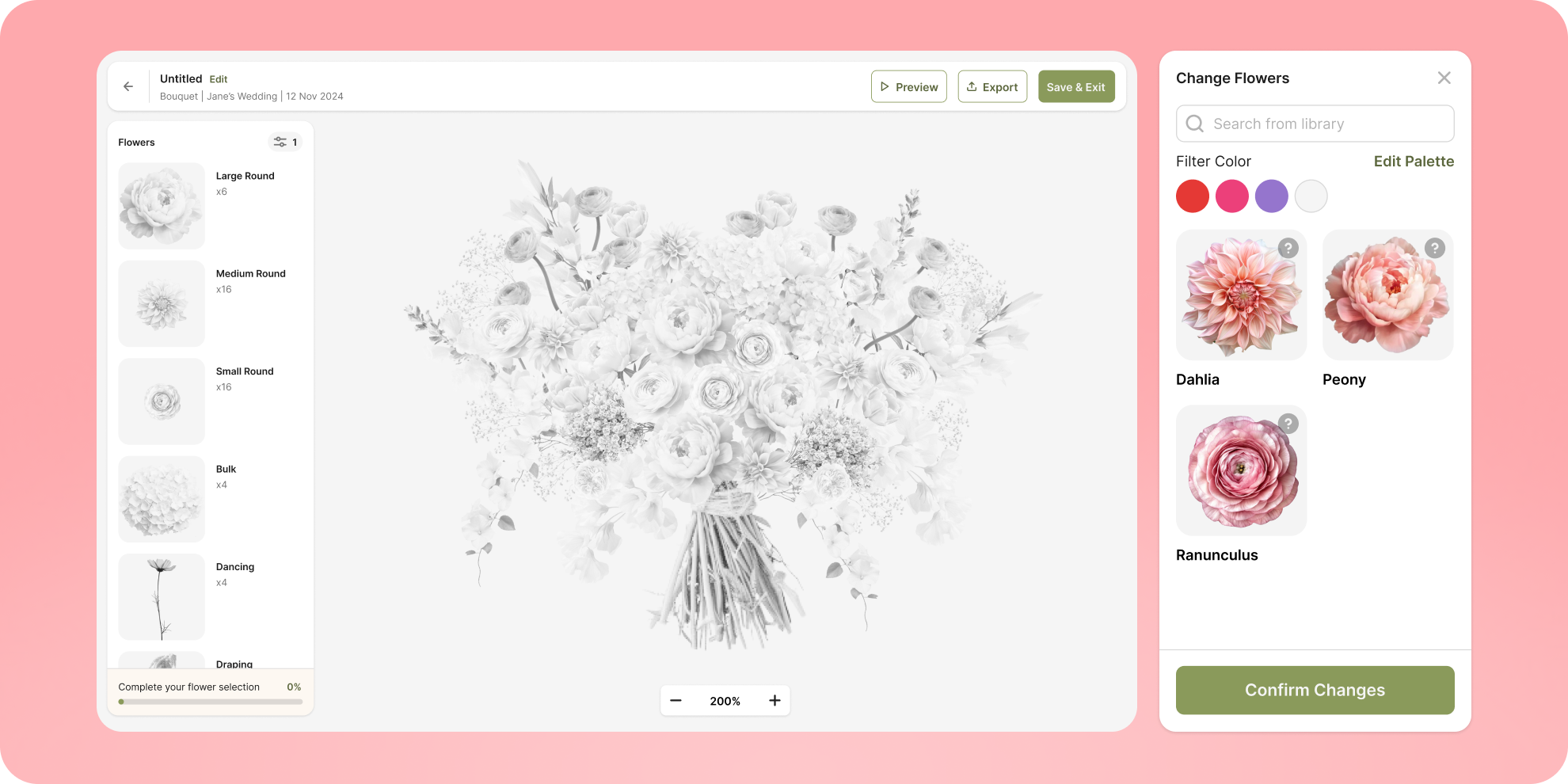
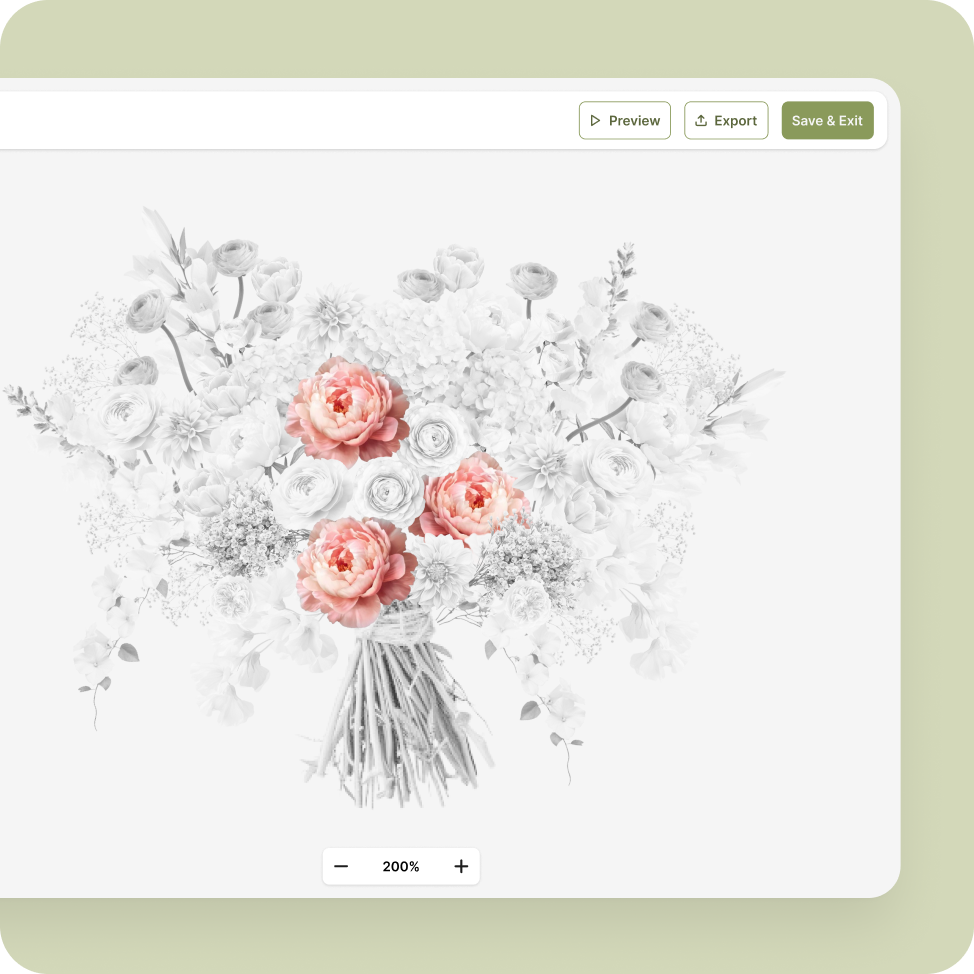
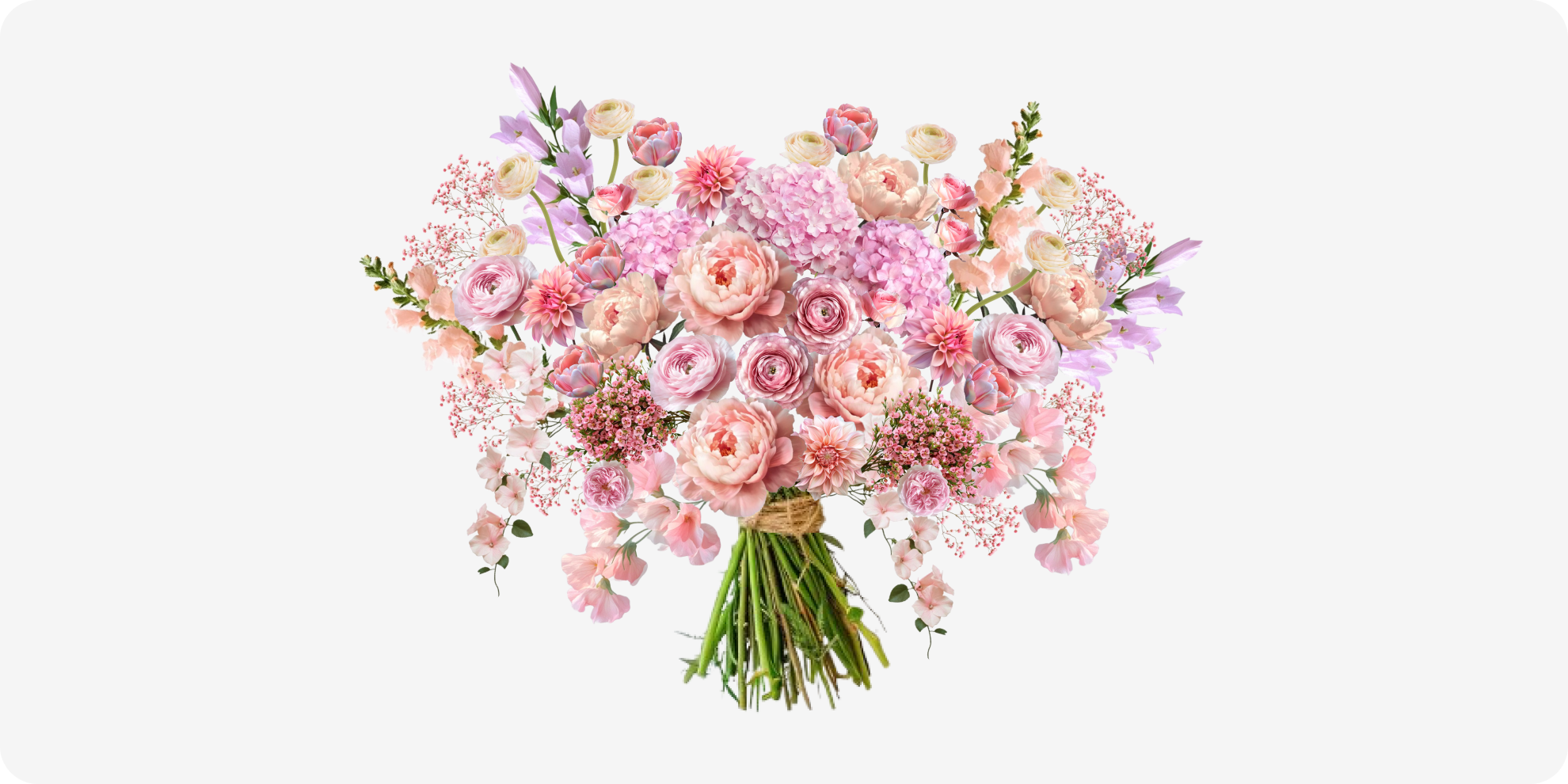
When a designer replaces a flower, the new flower inherits the original slot’s position, scale, and orientation.
This means the designer can explore different flower combinations without rebuilding the arrangement every time.
The system preserves the composition while still giving the designer control over the final flower selection.
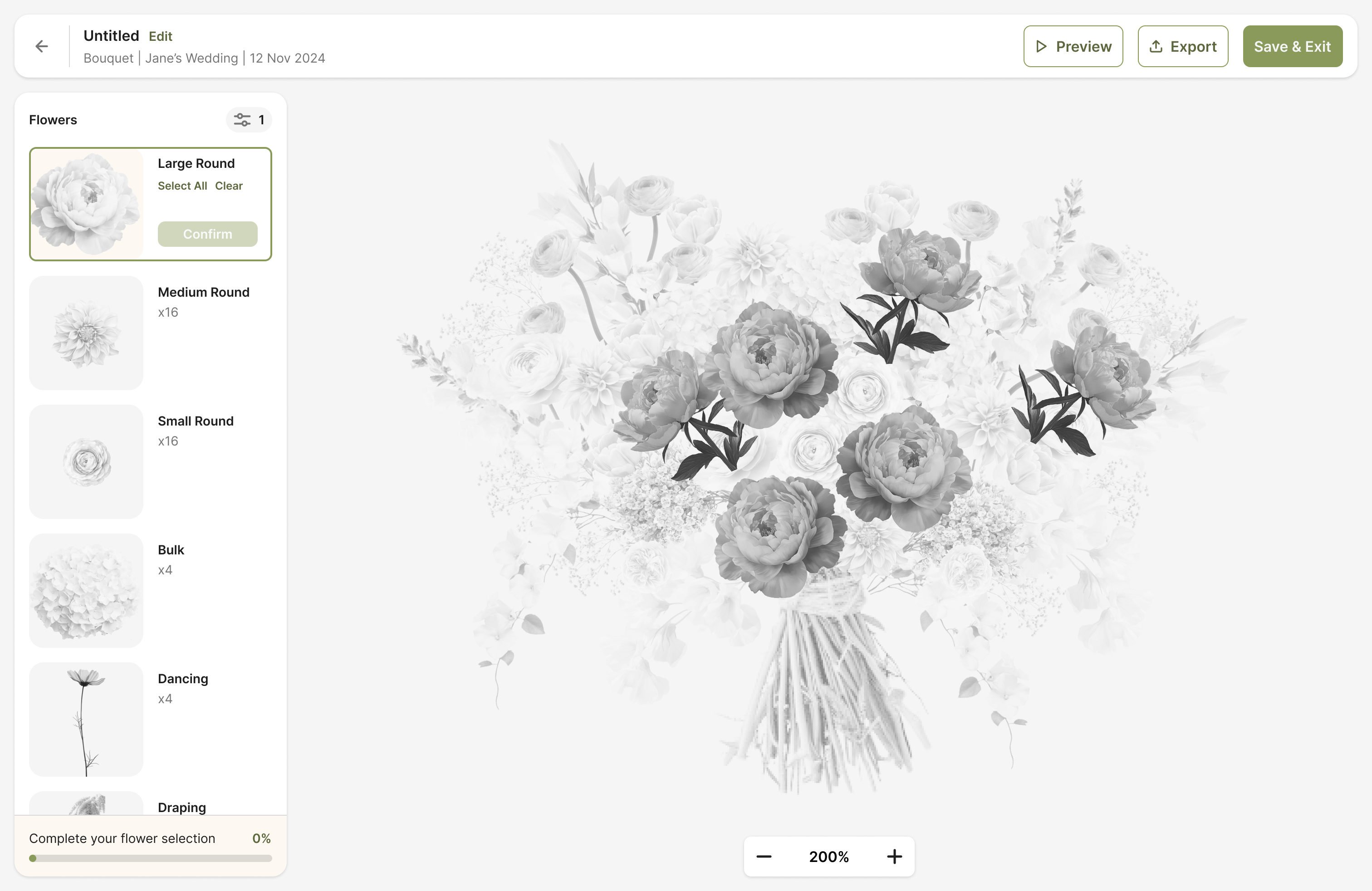
The hardest interaction problem was showing selection state inside a composition where flowers visually overlap one another.
Unlike a traditional editor, many elements are partially or completely covered by other flowers.
I explored ways to separate the underlying template from the active selection state, allowing designers to understand which flowers still needed to be chosen without losing the context of the full arrangement.
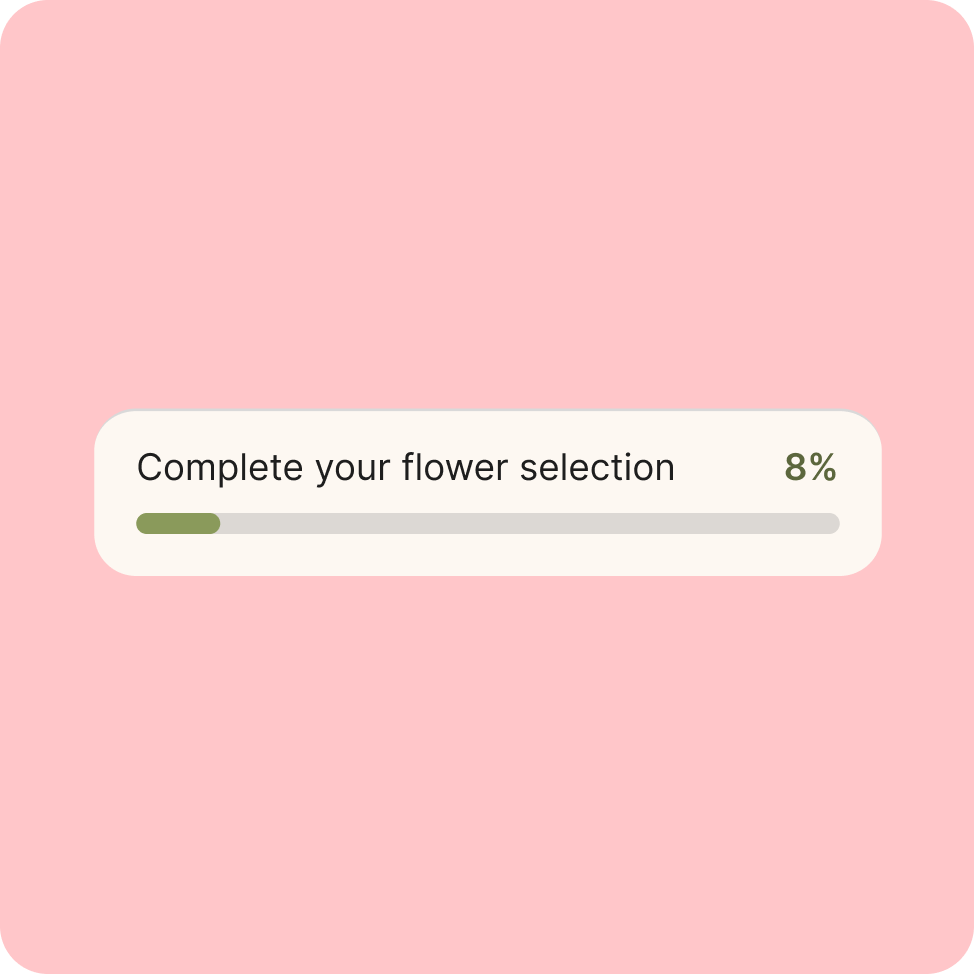
The progress state also gives designers a clear sense of how much of the arrangement has been completed.
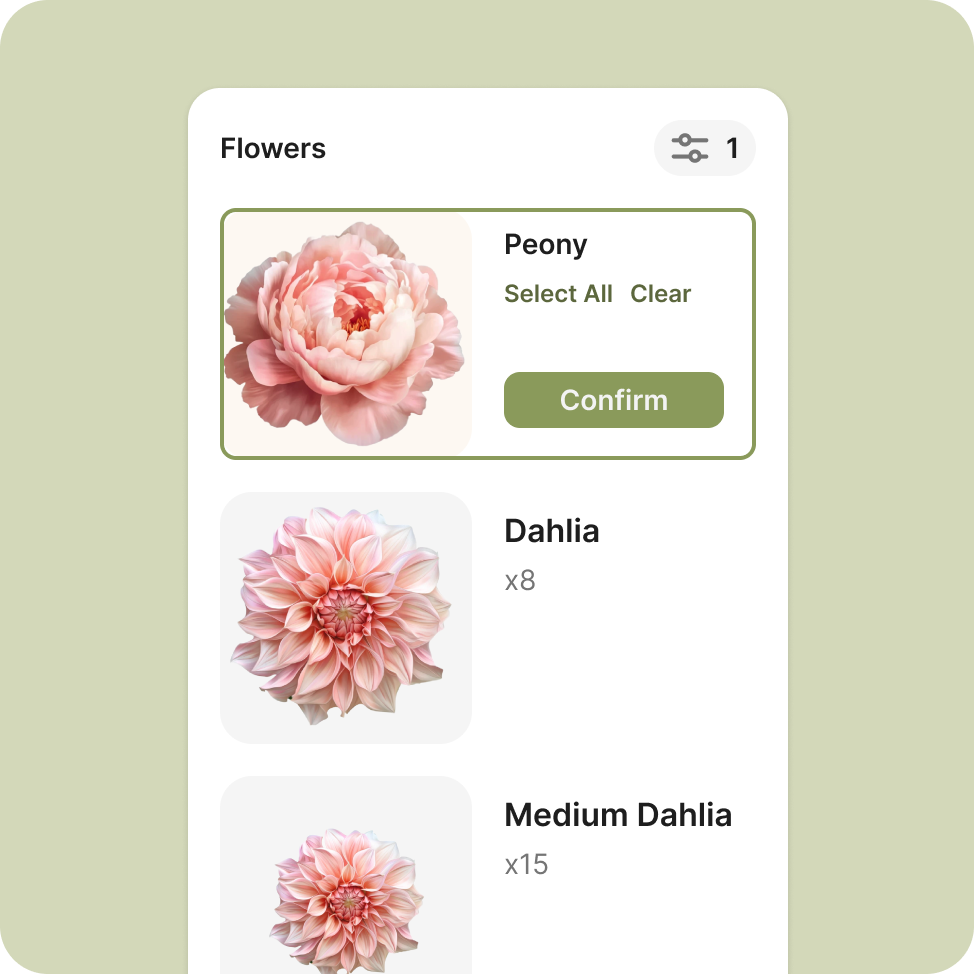
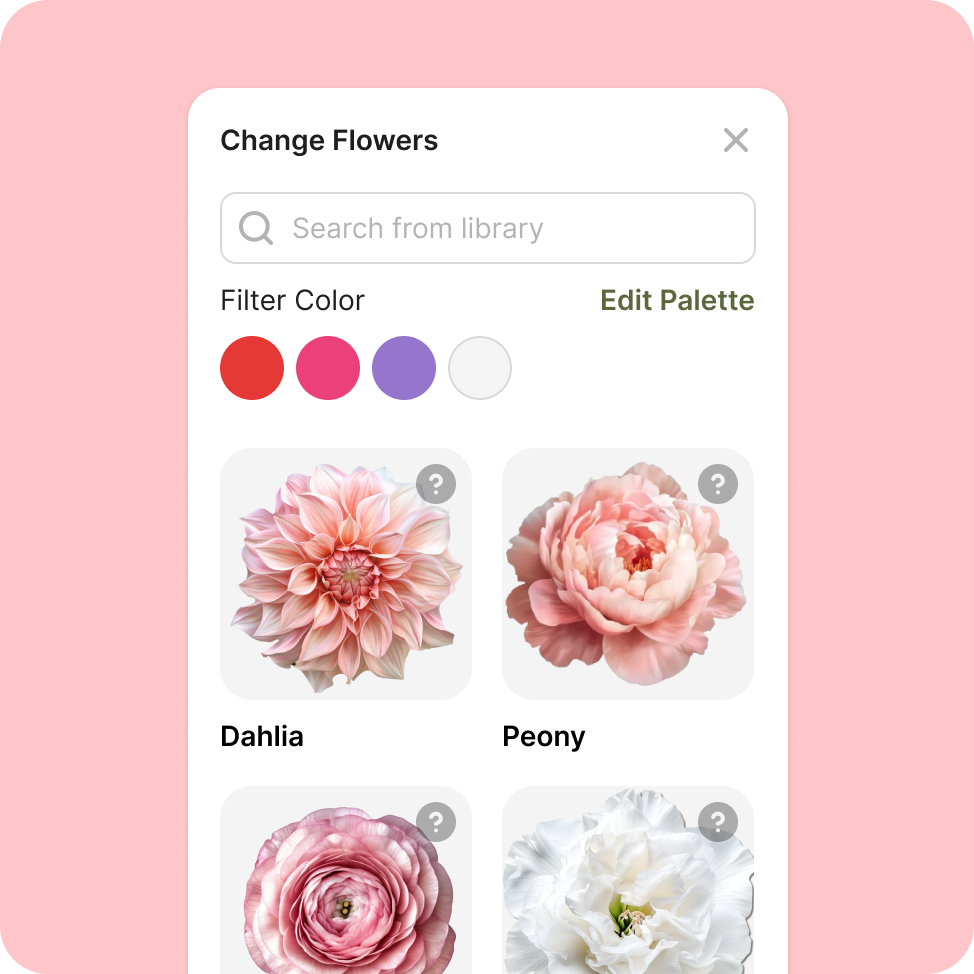
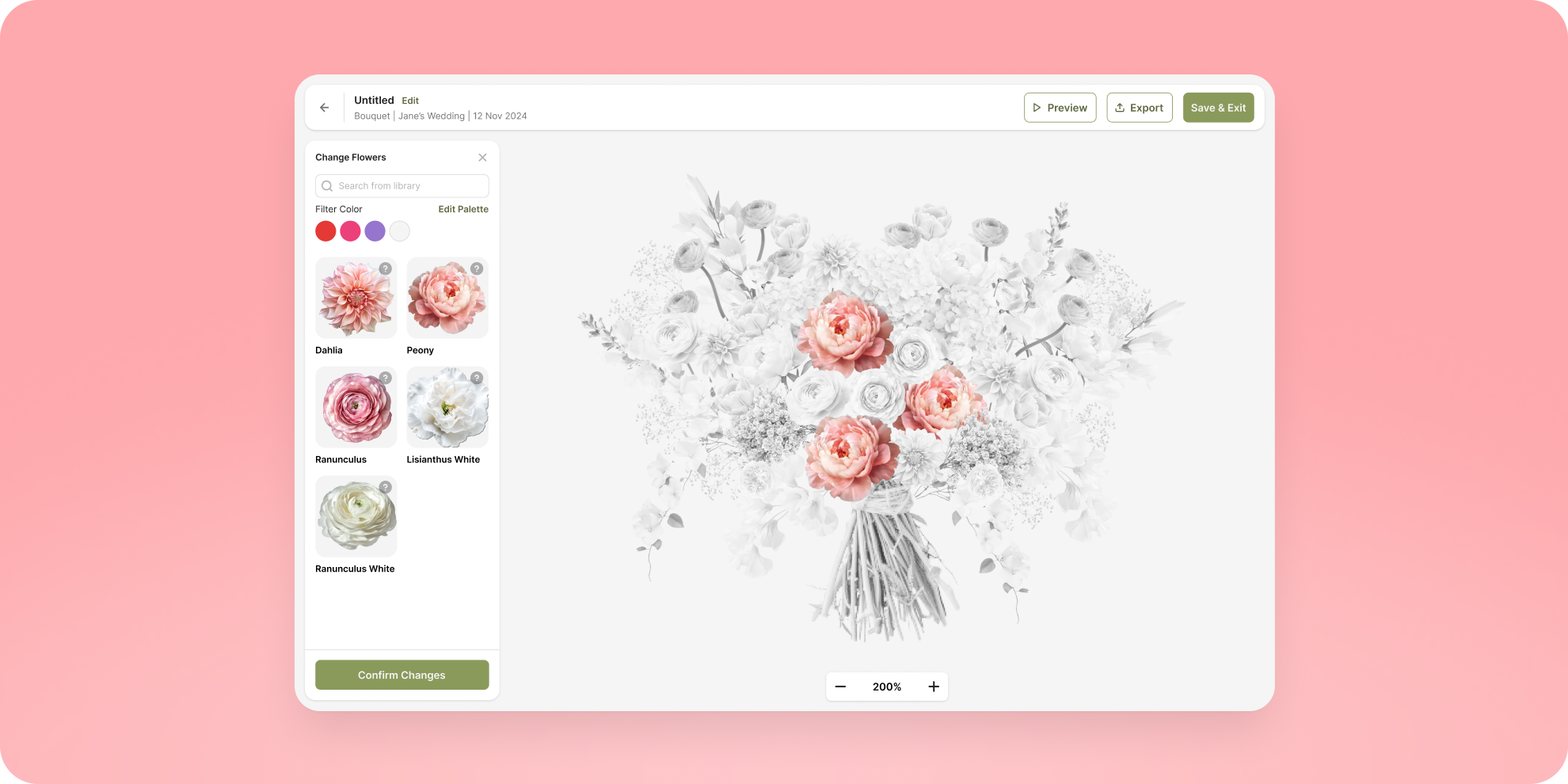
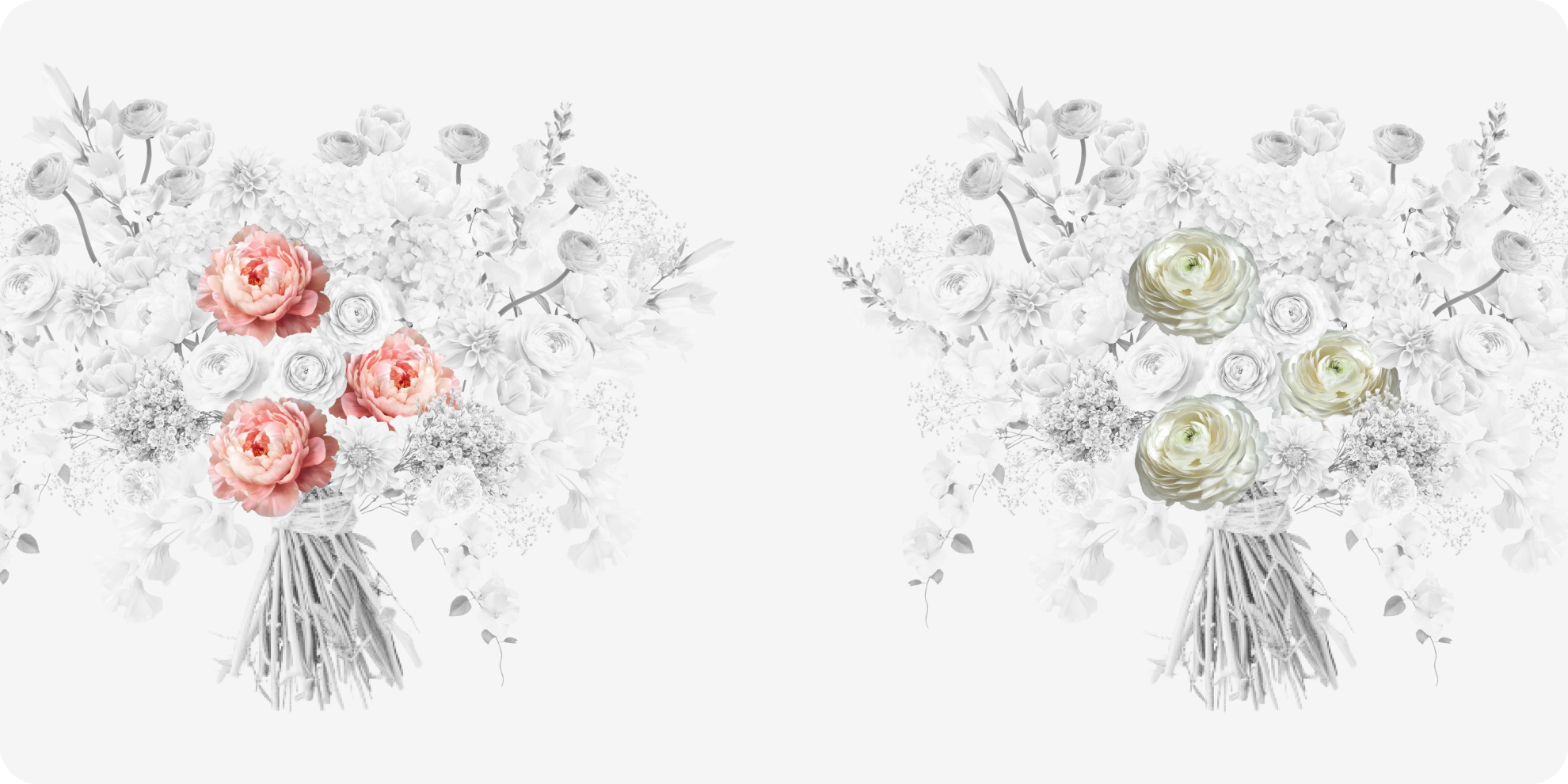
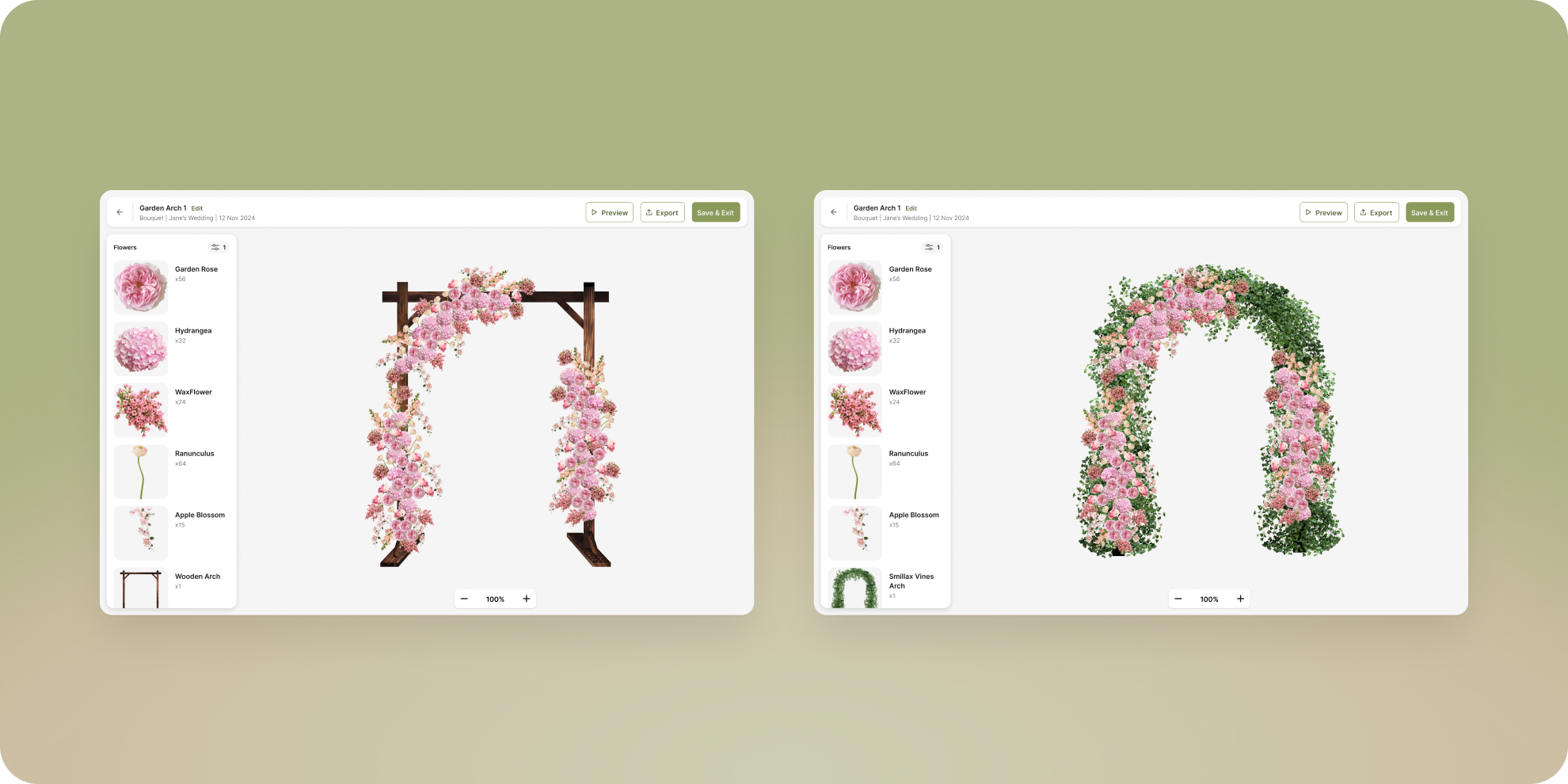
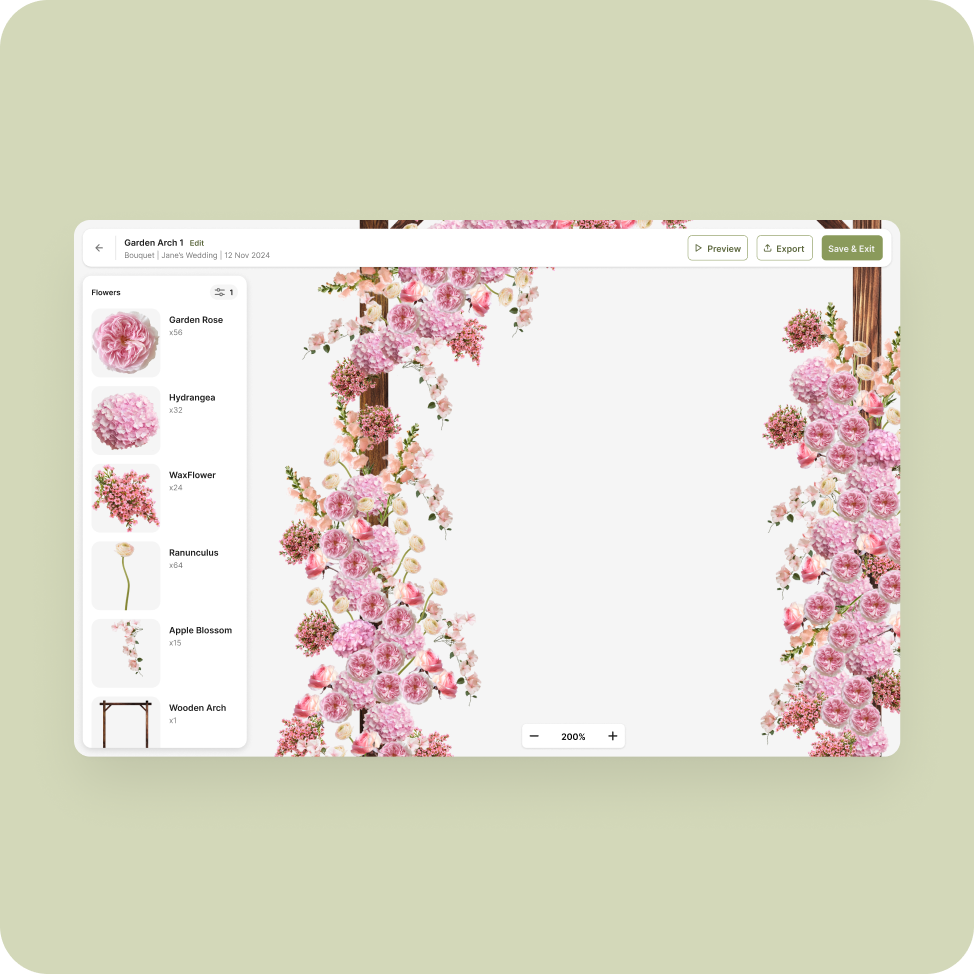
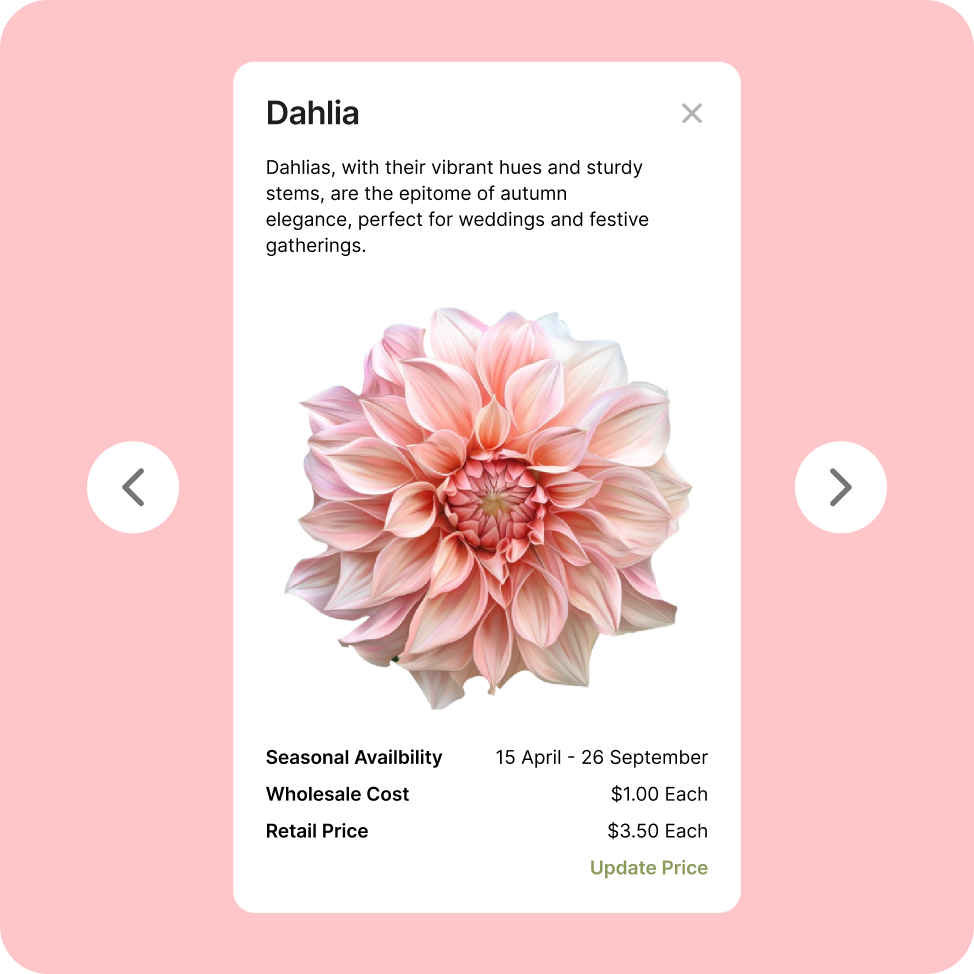
Replacing a flower was more complicated than swapping one image for another. A large focal flower should not suddenly be replaced by a small filler flower, and a clustered flower should not occupy a position intended for a single bloom.
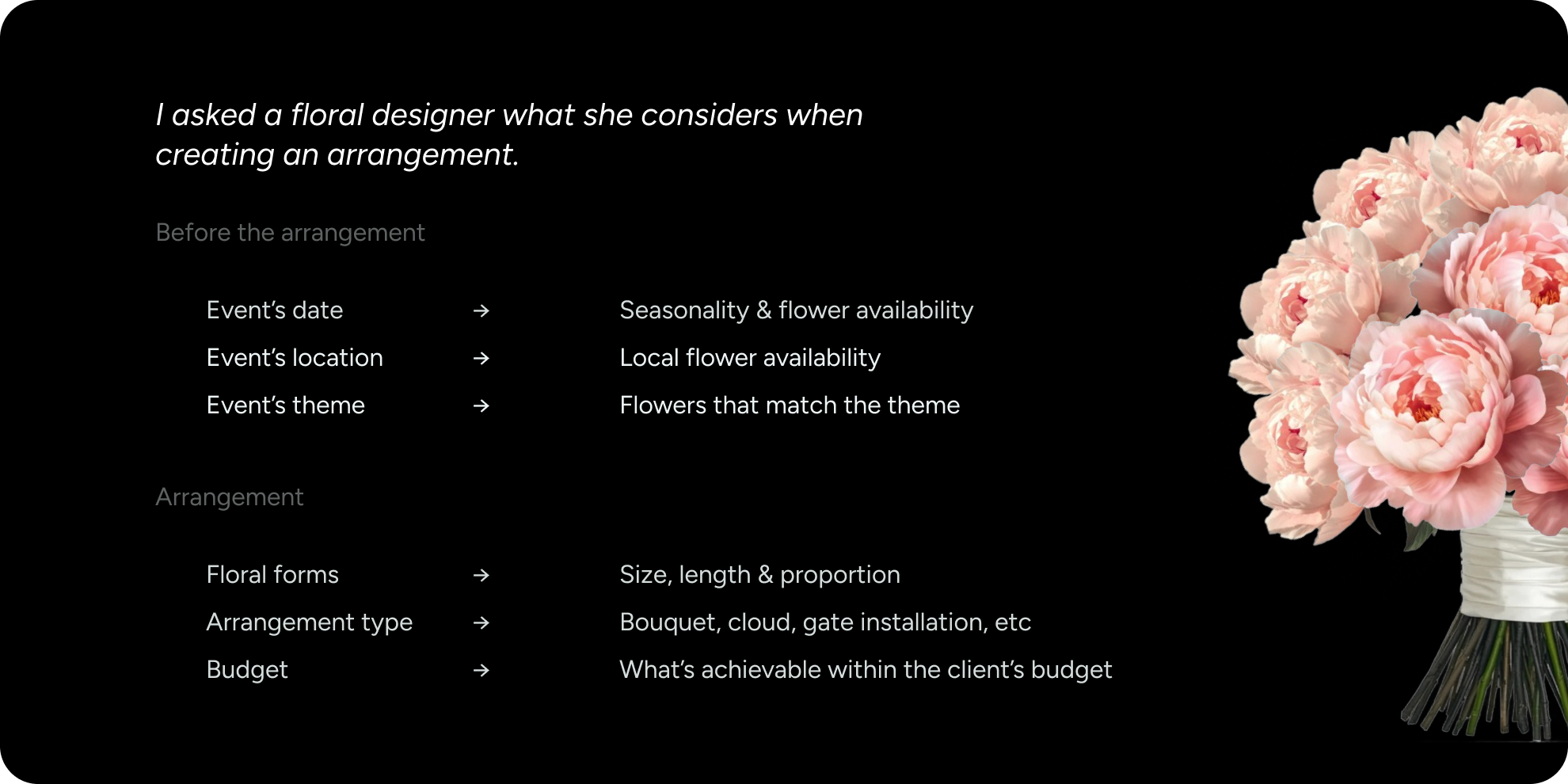
I defined rules that mapped each slot to compatible flower categories, based on information from florists such as:
large flower · small flower · cluster · directional flower
This kept substitutions flexible without breaking the visual structure of the arrangement.
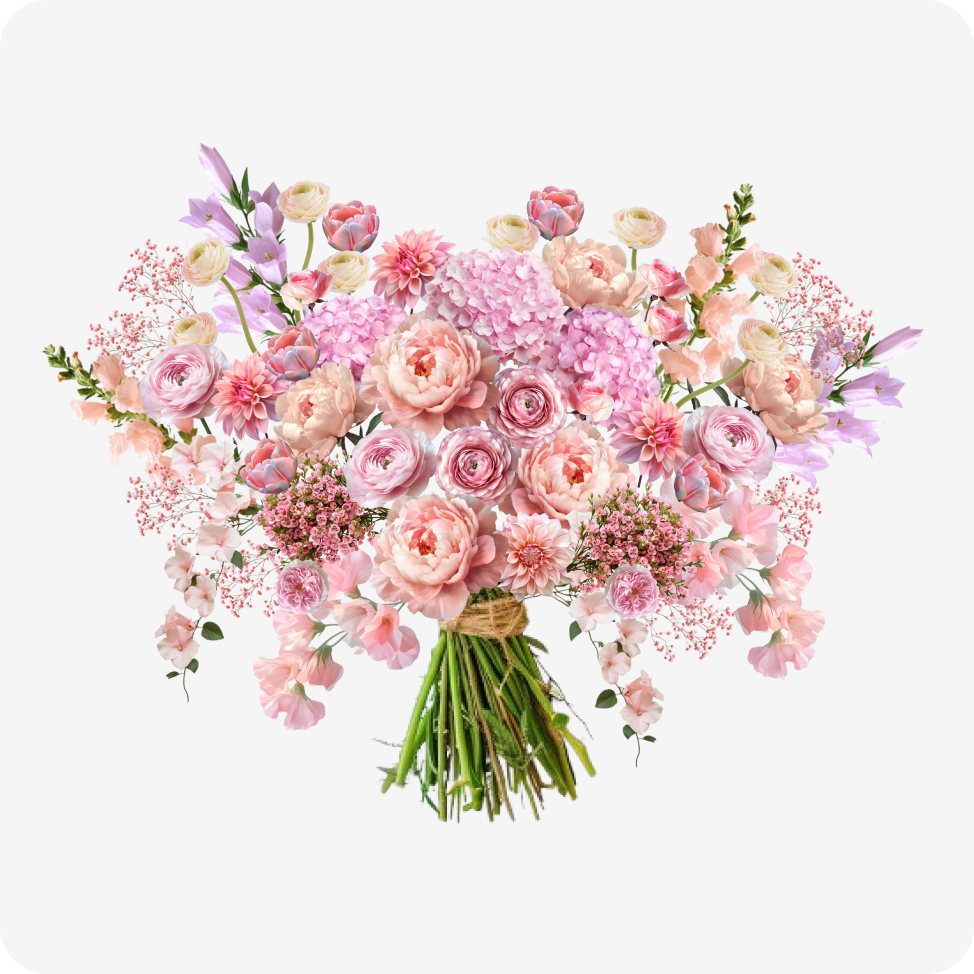
This project became the foundation for a larger product vision. For the MVP, we focused on predefined templates, while designing the system to support customizable templates in future phases.
The main challenge was translating something physical and highly nuanced—floral arrangements—into a scalable digital system. This meant defining arrangement skeletons, relative flower sizes, and rules that could work consistently across different compositions.
Through this project, I learned how to balance long-term product vision with immediate priorities, while making technical and design decisions that wouldn’t limit the product as it evolved.